
Update v0.20 — Older GPU Support, Launcher Graphics Settings & Reworked Old Interface
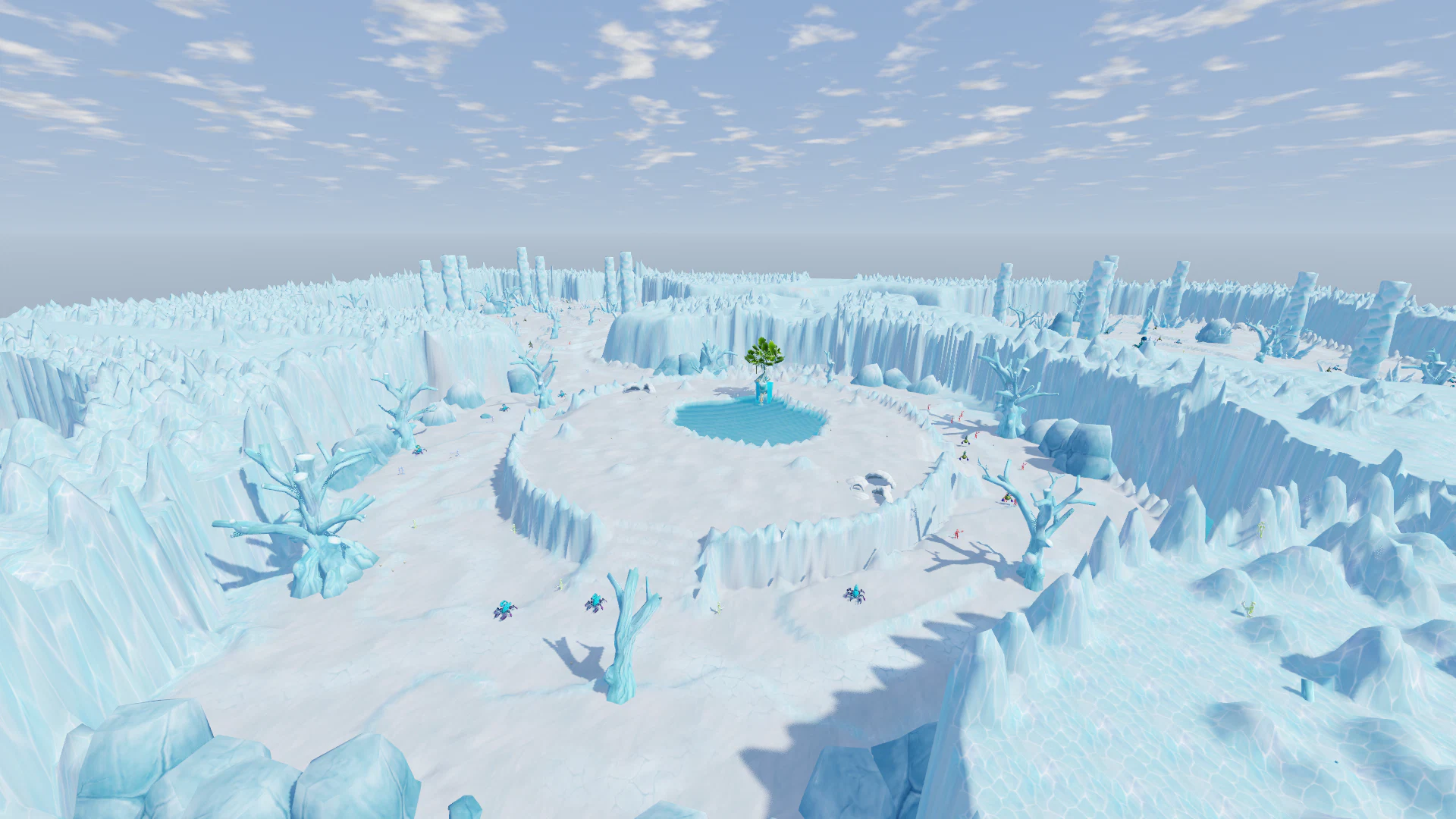
v0.20 makes the game more accessible for older and lower-end computers, significantly expands the Launcher, and brings the Old Interface theme much closer to the original game.
Main highlights:
- added a new OpenGL mode for older GPUs;
- the game now automatically attempts to recover from launch crashes caused by unsupported graphics APIs;
- major graphics settings can now be changed directly from the Launcher, even if the game itself does not start;
- the Launcher now includes Low Settings, Game Logs access, and crash troubleshooting options;
- the Old Interface theme has received a major redesign inspired by the original game;
- mouse movement and Minimap navigation have been improved;
- Magical Elite Potion, Star Stone Fragments, Army Change Permission, and Pet House have been fixed;
- interaction rules inside Army Battle have been updated.
Older GPU Support
Fixed an issue where the game could crash immediately after launch on older GPUs.
This usually happened:
- on a gray screen;
- on the Login Screen;
- immediately after the game window appeared.
If the GPU does not support Vulkan and Direct3D 12, the game will now automatically attempt to switch to a safe rendering mode: it changes the Render Mode and performs one automatic restart.
New OpenGL Mode
A new Render Mode has been added to Graphics Settings — OpenGL (Older GPUs).
It is primarily intended for older graphics cards and systems where modern graphics APIs are unsupported or unstable.
Path: Settings → Graphics → Rendering → OpenGL (Older GPUs)
The change takes effect after restarting the game.
OpenGL Limitations
OpenGL Mode currently has several limitations. Some ground indicators are temporarily unavailable, including:
- Skill Range Circles;
- Duel Area;
- Battle Markers;
- similar Ground Indicators.
The Cartoon visual mode is also currently unavailable in OpenGL.
Some Skill Effects may appear slightly brighter than in the regular Render Modes.
Graphics Settings Directly in the Launcher
The Launcher now has a new tab — Graphics.
Major graphics options can now be changed before launching the game. This is especially useful for players whose game does not start at all.
Available options include:
- Screen Mode;
- Rendering Mode;
- Resolution;
- FPS Limit;
- Shadows;
- Effects;
- View Distance;
- Anti-Aliasing;
- V-Sync.
Low Settings
A new Low Settings button has been added. It quickly applies lighter settings for weaker computers.
There is also a Default button for restoring the standard configuration.
Game Logs
The Launcher now includes a new option — Open Game Logs. It opens the folder containing game log files.
These files are especially useful if:
- the game does not start;
- the game crashes;
- an error appears during startup;
- the issue only happens on a specific computer.
Crash Assistance
If the game crashes almost immediately after launch, the Launcher now displays troubleshooting suggestions.
From there, you can directly open:
- Graphics Settings;
- Game Logs.
This should make startup problems much easier to diagnose.
Launcher Settings Fix
Fixed an issue where the Launcher Settings window could open as a completely black window.
If the issue still happens after updating the Launcher, please let us know.
If the Game Still Does Not Start
- Make sure your Launcher is updated. It updates automatically when launched.
- Open Settings → Graphics and select OpenGL (Older GPUs) under Rendering.
- If the game still does not start, click Open Game Logs and send us the newest file from that folder.
Old Interface — Major Rework
The Old Interface theme is now significantly closer to the original game's UI.
Several major windows have been almost completely rebuilt based on the original design.
Backpack
The Backpack has received a redesigned layout. Original-style elements have been restored, including:
- Equipment Slots;
- Costume Slots;
- classic Tabs;
- Trash;
- A sorting button;
- Gold display with a coin icon.
Character Window
The Character Stats Window has also received a major redesign. It now includes:
- Character Model;
- arrows for rotating the model;
- HP and MP Bars;
- Army and Glory;
- Combat Stats tables;
- Character Parameters tables;
- Active Effect Slots on the sides.
Skills
The Skills Window is now much closer to the original version. It includes:
- Profession Tabs;
- Skill rows;
- Soul / Charge Orbs;
- mouse-wheel scrolling.
Quests
Quests now have a dedicated full-size window. It displays:
- active Quest list;
- Description;
- Objectives;
- Rewards.
Objectives can also be used as buttons: clicking an objective makes the character start moving toward the corresponding target.
Additional
The Additional window now displays its functions in two columns with Icons, similar to the original interface.
Other Windows
The Old Interface styling has also been applied to:
- Shop;
- Storage;
- Enhancement;
- Guild;
- Friendship;
- other game windows.
It uses visual elements inspired by the original UI:
- protruding Tabs;
- light-colored Buttons;
- red Buttons;
- classic frames.
Other UI Themes have not been changed.
The theme can be selected under Settings → Interface
Improved Mouse Controls
A Click-to-Move issue has been fixed. Clicking the ground now works correctly even if the mouse is moving at the same time.
Previously, in this situation:
- the Click could be ignored;
- the Camera could slightly jerk.
Now:
- the Click registers correctly;
- the Camera remains stable.
Movement Through the Minimap
You can now click the Minimap to move your character toward the selected point. The character automatically starts moving to the clicked location.
Character Foot Animation Fix
The character's feet no longer appear to slide across the ground while:
- standing idle;
- playing Idle / Warm-up Animations.
Magical Elite Potion
The visual effect of the Magical Elite Potion has been fixed.
Wings now also appear on Female Characters.
The Skulls:
- face forward;
- move correctly with the character;
- no longer have incorrect orientation.
Star Stone Fragments
Fixed the combination of Star Stone Fragments. They can now once again be correctly combined into a complete Star Stone.
Army Change Permission
Fixed the Army Change Permission item. It now correctly removes the character's current Army as intended.
Pet House
Pet House now explains why a specific Pet cannot be summoned.
For example, the game may display "Character Level is too low" instead of silently failing.
Army Battle — Rule Updates
Several additional restrictions have been introduced inside Army Battle.
Duels
Players can no longer send Duel Requests while on the Army Battle battlefield.
Party Invitations
Enemy Players cannot be invited to your Party.
If a Party already contains players from opposing Armies and they enter the Battlefield, the Party is automatically disbanded.
Minimap
The Army Battle Minimap now displays only:
- players from your own Army;
- members of your Party.
Enemy Army players are no longer shown on the map.
v0.20 primarily makes the game accessible to a wider range of computers. The new OpenGL Mode and Launcher Graphics Settings allow players to start the game even on systems where modern Render APIs are unstable or unsupported.
At the same time, the Old Interface has received one of its biggest visual updates so far and is now much closer to the original game, while controls, Army Battle, and several older systems have received additional fixes and improvements.