
Update v0.19.5 — Outfit Dyes, Gear Rating & New Defense Balance
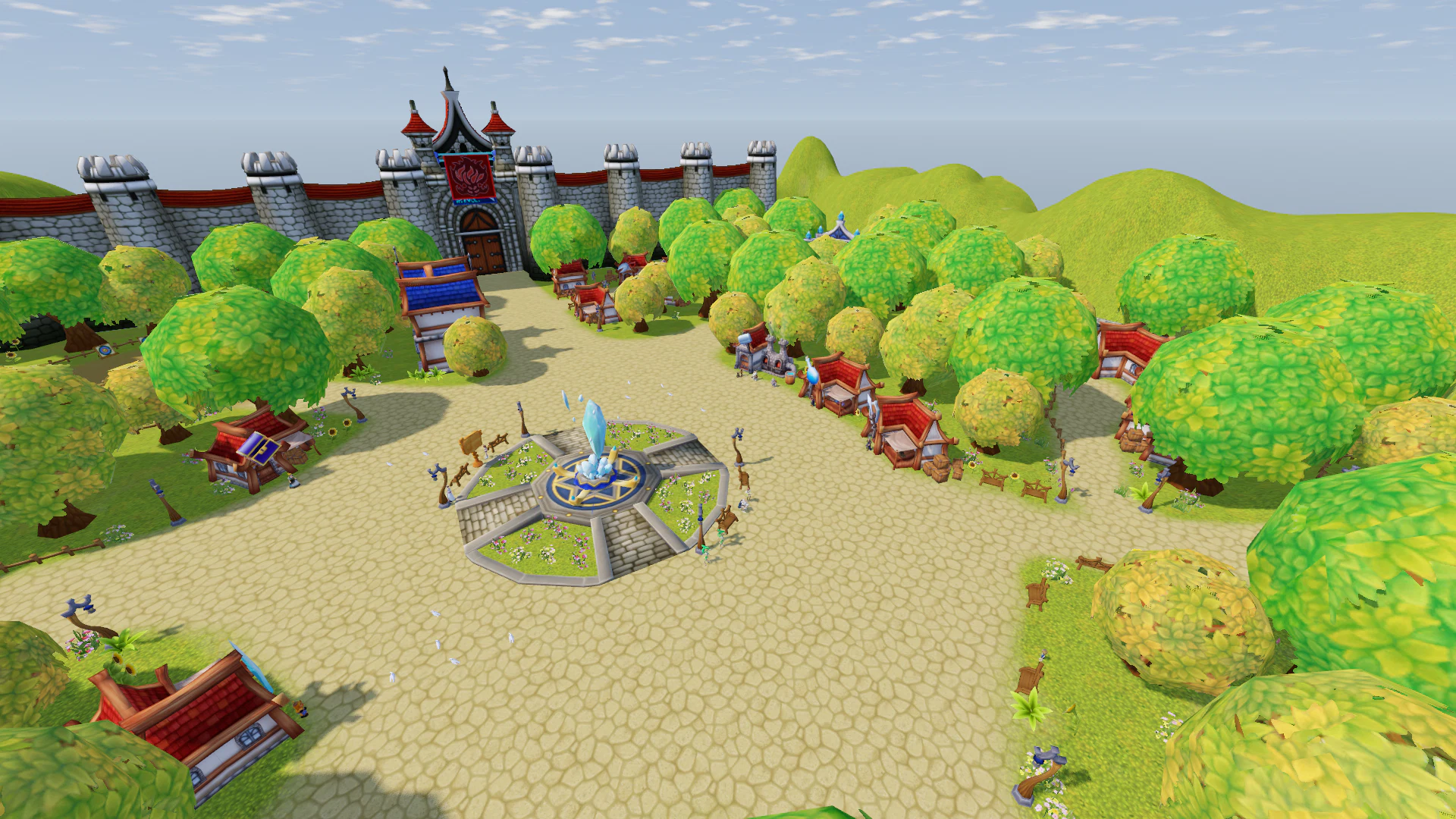
v0.19.5 significantly expands equipment progression and character customization, introduces a clear way to measure equipment strength, and changes how Defense works in combat.
Main highlights:
- a major new Outfit Dyes system has been added — unlock colors separately for each Costume Item;
- Item Level and total Gear Rating have been introduced;
- the Defense formula has been reworked — good Armor now has a much stronger impact on incoming Damage;
- Fishing and Excavation now use a unified Manual / Auto Mode selection;
- Friends can now share Experience while leveling together;
- a dedicated Chat Settings window has been added with an independent translation language;
- Collections, Soul Guardian, Equipment Dismantling, and equipment visuals have received multiple improvements.
Outfit Dyes
A completely new Outfit recoloring system has been added.
Any supported Costume Item can now be recolored without changing its original model.
Dyes do not simply cover the entire item with a single color.
Different parts are recolored separately:
- primary fabric;
- secondary fabric;
- decorative details.
At the same time, the original:
- folds;
- patterns;
- texture details;
remain visible.
Some rarer Dyes can also:
- glow;
- pulse;
- shift between colors.
How to Open Outfit Dyes
Open:
Additional → Outfit Dyes
Choose the Costume part you want to customize:
- Head;
- Body;
- Hands;
- Legs;
- Shoes.
Then select a Dye.
Your character will immediately preview the selected color, even if it has not been unlocked yet.
At the bottom of the window you can see:
- the unlock requirement;
- your current progress;
- the required amount.
How Dyes Are Unlocked
Each individual Costume Item has its own progression.
Progress increases only while that specific item is equipped.
If you remove the item, its progress is preserved.
Equip it again later and the counter continues from where you left off.
Outfit Dye Unlock Table
| Dye | Requirement while this item is equipped |
|---|---|
| Bronze | Defeat 1,000 Monsters |
| Silver | Defeat 10,000 Monsters |
| Gold | Defeat 100,000 Monsters |
| Emerald | Defeat 10 Bosses |
| Dragon | Defeat 100 Bosses |
| Scarlet | Defeat 10 Players in Army Battle |
| Crimson | Defeat 100 Players in Army Battle |
| Azure | Complete 50 Quests |
| Amethyst | Complete 20 Dungeons |
| Steel | Participate in 20 Arena Battles |
| Marine | Catch 200 Fish |
| Sand | Complete 200 Excavations |
| Blacksmith | Craft 50 Items |
| Flame | Perform 30 Enhancement Attempts |
| Obsidian | Unlock any 8 Dyes for this item |
| Rainbow | Unlock all 14 base Dyes |
Important Outfit Dye Rules
Other players can see your equipped Dye.
Dyes are visually displayed on five Costume parts:
- Head;
- Body;
- Hands;
- Legs;
- Shoes.
Some additional Costume Items also accumulate Dye progress:
- Accessories;
- Cape;
- Wings.
However, Dyes are not visually displayed on those parts yet.
For Enhancement, the system counts attempts, not successful upgrades.
For Arena, it counts completed battles, not victories.
Progress is tied to:
- the individual character;
- the specific item instance.
Two visually identical Costume Items can therefore have completely different Dye Progress.
To remove a Dye, select:
No Dye
in the same window.
Item Level & Gear Rating
Equipment strength can now be understood through a single number.
You no longer need to manually compare:
- Damage;
- Defense;
- Enhancement;
- Gems.
Item Level
Weapon, Armor, and Accessory Tooltips now contain a new golden line:
Item Level: N
It appears everywhere the Item Tooltip is shown:
- Inventory;
- Shop;
- Storage;
- Inspect.
How Item Level Is Calculated
The base value is the item's:
Required Level
Additional bonuses are then added.
Quality
- Yellow: +3
- Purple: +6
- Green: +10
- Orange: +15
Enhancement
Up to +10:
+1 Item Level for every Enhancement Level
Above +10:
+2 Item Levels for every additional Enhancement Level
Additional Slot Gems
Installed Gems can add:
+1 to +8 Item Levels per Gem
depending on:
- Gem Level;
- Gem Quality.
Gear Rating
Gear Rating is the combined Item Level of all currently equipped gear.
Your own Gear Rating is displayed in the Inventory above the Equipment Slots.
Another player's Gear Rating can be seen through Inspect:
below their Level and Class
What Does Not Count Toward Gear Rating
The following are excluded:
- Costume;
- Quiver;
- Fishing Rod;
- Shovel.
A broken Item contributes:
0 Gear Rating
until it is repaired.
Two-Handed Weapons
A Two-Handed Weapon counts twice toward Gear Rating.
Since these weapons prevent the use of a Shield, this keeps Gear Rating more comparable between different classes.
New Defense Balance
The character Defense formula has been reworked.
Defense effectiveness now depends not only on your Armor value, but also on the level of the attacker.
The main goals of this change are:
- good Armor should provide noticeably stronger protection;
- characters with almost no Defense should take significantly more Damage;
- the difference between well-equipped and poorly equipped characters should be much more noticeable.
The Combat Log now shows:
- the range between which Armor Reduction was rolled;
- the exact value selected for that hit.
This makes it much easier to understand why a specific amount of Damage was received.
Fishing & Excavation — Manual or Auto
Fishing and Excavation are now easier to use.
When starting either activity, the game asks you to choose:
- Manual
- Auto
and immediately explains the difference between them.
Separate Skill Bar slots for Auto Fishing and Auto Excavation have been removed.
Manual Mode
Manual Mode keeps the Mini-game.
However, after finishing an attempt, your character now automatically:
- casts the Fishing Rod again;
- or begins the next Excavation.
You no longer need to manually restart every attempt.
Auto Mode
Auto Fishing and Auto Excavation continue operating automatically.
However:
Auto Fishing now takes 3× longer
This also applies when using:
Rainbow Bait
Presence Check
If you fail to complete at least half of a Presence Check:
- Auto Fishing stops;
- Auto Excavation stops;
- the corresponding Auto Mode becomes unavailable for 10 minutes.
After the cooldown expires, it can be used again.
Large Consumable Packs
Packages such as:
- Bait (500);
- Bait (1,000);
- Bait (10,000);
- Oil (500);
- Oil (1,000);
- Oil (10,000);
now work like proper Boxes.
Opening one grants the exact displayed quantity of the corresponding consumable.
Fishing Improvements
If no fish in the current location can be caught using your equipped Bait, the game now displays a warning on the screen.
The Fishing Book has also become more informative.
Below each Fish, it now displays:
- every Location where the Fish can be caught;
- the required Fishing Skill.
The Fish description section has also been redesigned.
Friendship Experience
Friends can now share Experience even when they are not in the same Party.
If you defeat a Monster while your Friend is nearby:
- your Friend receives 50% Experience from that Monster;
- your own Experience is not reduced.
The additional Experience is granted separately and does not take anything away from the player who made the Kill.
When You Are in a Party
If Friends are in the same Party, normal Party Experience rules apply.
No additional Friendship Experience is added on top of Party Experience.
Level Difference
The Experience received by the Friend is calculated using their own Level.
The system also uses the stricter of the two Level Corrections:
- the correction of the player who defeated the Monster;
- the correction of the Friend receiving Experience.
This prevents a high-level player from efficiently power-leveling a low-level Friend by killing weak Monsters for them.
What the Friend Does Not Receive
Friendship Share grants only:
Character Experience
The Monster does not count toward:
- the Friend's Quests;
- the Friend's Pet progression.
Friendship Experience is disabled inside Raids, where normal Monsters already do not grant Experience.
Chat Settings
A new button has been added to the Chat Tabs:
⚙ Chat Settings
It opens a dedicated Chat Settings window.
Independent Translation Language
Chat Translation no longer has to use the same language as the Game Interface.
You can select:
- Same as Interface;
- Russian;
- English;
- Arabic;
- Portuguese;
- Spanish;
- German.
For example, you can now play with an English interface while automatically translating Chat messages into Russian.
Additional Chat Settings
The same window also contains:
- Chat Translation on/off;
- Chat background opacity;
- Font Size.
Changes are applied immediately while moving the sliders.
The old:
- A−
- A+
buttons have been removed from the main Chat Window.
Font Size can now be adjusted through Chat Settings or, as before, through the general Settings.
Translation Fix
If a specific Translation Language is selected, changing the Game Interface language no longer resets already translated messages back to their original text.
Equipment Dismantling
The visual result of Equipment Dismantling has been fixed.
The selection bar now stops exactly under the Material that was actually obtained.
Previously, it could visually stop under a neighboring slot, making it look like the player had received a different Material.
Dismantling Duration
The animation duration now corresponds to the rarity of the result.
- common Materials are revealed faster;
- rare Materials take longer.
Collections
The Collections system has received several fixes.
Items using incorrect models have been removed, including cases such as:
- Pants appearing in a Chest Slot;
- Crossbow appearing as Shoes;
- Spear appearing instead of a Shield.
Weapon Preview
Weapons are now displayed as standalone 3D models.
The character model is no longer shown together with them.
Costume Names
Technical Costume names such as:
[A]
have been replaced with proper names.
Mount Names
Several incorrect Mount names have been fixed.
This includes cases such as:
- Rudolph Sleigh being assigned to the wrong model;
- generic Mount names;
- other incorrect name/model combinations.
Duration information has also been removed from Mount names inside Collection cells.
Soul Guardian Improvements
Soul Guardian has received several visual and animation fixes.
Soul Skill Effects
Soul Skill Effects are now rendered in front of the Guardian, instead of behind its model.
Animations
Animation behavior has been corrected:
- normal Character Skills no longer trigger the Soul Flash;
- Soul Skills now play the animation corresponding to their own color.
Movement
The Guardian:
- no longer shakes while running;
- no longer repeatedly plays its sound during short movements.
Soul Points Panel Style
Settings now allow you to choose between two Soul Points Panel styles.
Classic Rows
Three rows with Soul Orbs.
Compact
Three Soul Skill Icons displayed in one row.
Armor Visuals Fixed
Some Equipment previously:
- equipped correctly;
- granted its Stats;
but did not visually appear on the character.
This has been fixed.
In particular, the complete Purple Warrior Set around Level 25–28 has been corrected, including corresponding:
- Chest;
- Gloves;
- Pants;
- Shoes.
Fixed items include:
- Alpeon Knight Cuirass;
- Chaos Cuirass;
- Merciless Dekron Chest;
- Luxurious Dekron Chest;
- Great Silaris Knight Chainmail;
- Superior Warrior Lv.28 Cuirass;
- Silaris Warrior Chest;
and their corresponding set pieces.
Several individual:
- Gloves;
- Pants;
- Shoes;
- Headgear;
with the same issue have also been fixed.
Loot Ownership
Another player's Loot remains reserved for its owner for the first:
10 seconds
If the owner does not pick it up, the Loot becomes available to everyone afterward.
Before the protection expires, attempting to pick it up displays a notification with the remaining time.
Threat Meter
The Threat Meter above Monsters is now displayed only while the player is in a:
Party
It no longer occupies unnecessary screen space during solo play.
Additional Fixes
- the English location name Cold Swamp has been corrected to Frigid Wastes;
- overhead character text is now centered based on the text itself instead of additional Icons;
- fixed Shadows shaking when the time of day changes;
- additional Purple Armor models have been fixed, including the Luxurious Dekron Set.
v0.19.5 primarily expands equipment and long-term character progression. Outfit Dyes add a new collection layer to Costume Items, Item Level and Gear Rating make equipment strength much easier to understand, and the new Defense Formula makes Armor quality significantly more important in actual combat.
At the same time, Fishing, Excavation, Chat, Friendship, Collections, and several other systems received important improvements that make everyday gameplay clearer and more convenient.