
Update v0.22 — Personal Items, Reworked Fishing & Improved Quest Tracking
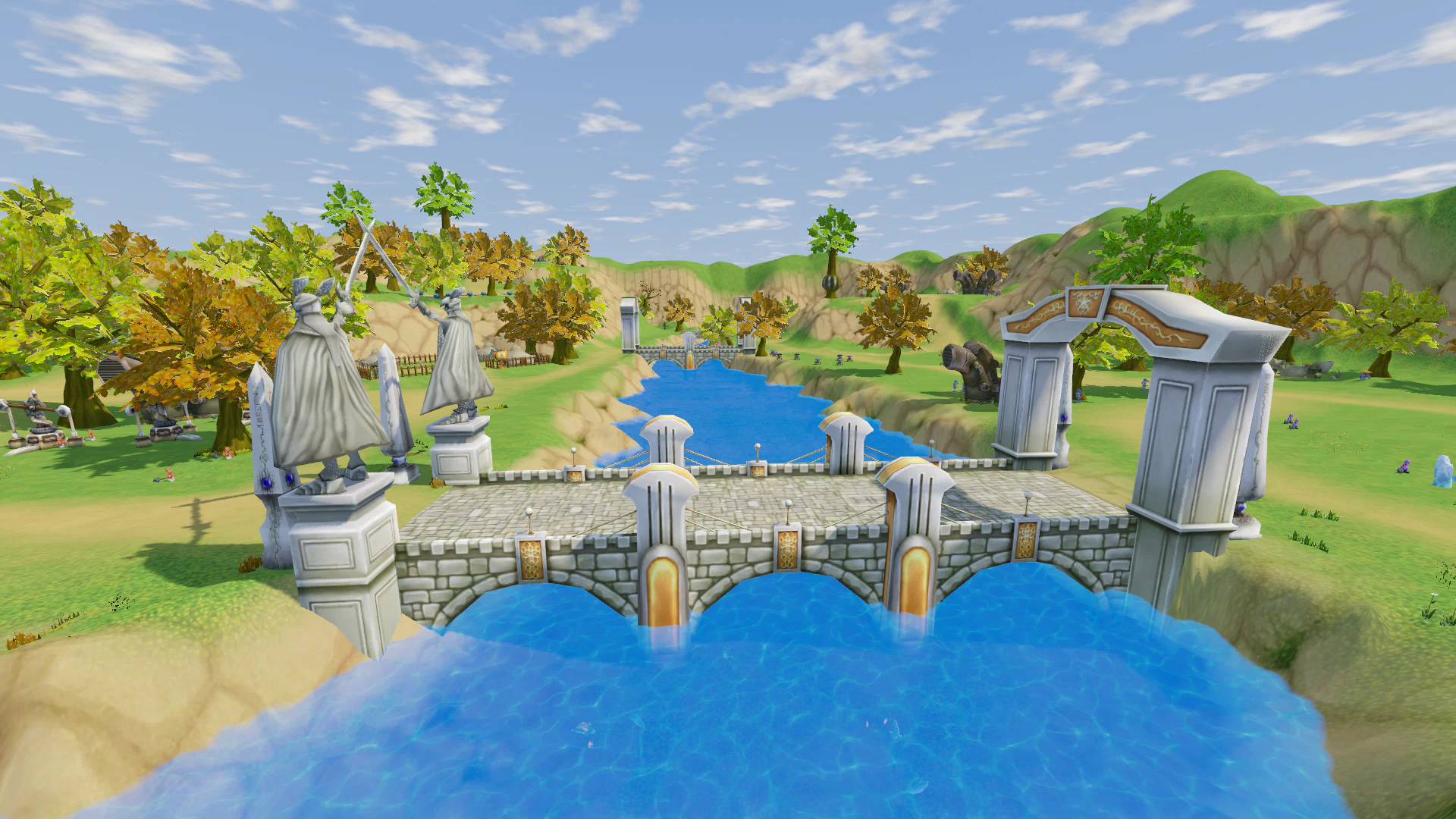
v0.22 continues the rework of older game systems and makes many mechanics clearer, more consistent, and easier to use.
Main highlights:
- equipped gear now becomes a Personal Item, while the new Equipment Sealing Scroll can make it tradable again;
- Fishing and Fishing Books have received a major rework;
- up to 12 Quests can now be tracked at the same time;
- Quest Zones are now visible even on maps of other Locations;
- the Item Tooltip has been completely redesigned;
- Outfit Dyes now support Accessories, Capes, Wings, and Weapon Skins;
- most Soul Guard Skills now have a larger Area of Effect;
- Crafting, Inventory, Camera Controls, Shops, and Personal Shops have been improved;
- Monster Pathing, Quest Chains, Weapon Skins, and many older issues have been fixed.
Personal Items
Equipped Equipment now becomes Personal. As soon as a character equips an Item, it can no longer be transferred to another player.
This applies to:
- Weapons;
- Armor;
- Rings;
- Necklaces;
- Costumes.
A Personal Item cannot be:
- traded;
- listed in a Personal Shop;
- placed in the Guild Bank.
It can still be:
- used normally;
- stored in Personal Storage;
- sold to an NPC Merchant.
Arrows, Bait, and Auto Shovel Oil placed in their corresponding Equipment Slots do not become Personal.
Equipment Sealing Scroll
A new Item has been added — the Equipment Sealing Scroll. It allows a Personal Item to become tradable again.
The Scroll is sold by Blacksmith NPCs. Price — 10,000 Gold.
To remove Personal Status:
- drag the Scroll onto a Personal Item in your Inventory;
- confirm the action;
- the Item becomes available for Trade and player-to-player sale again.
Sealing Cost
The number of Scrolls required depends on:
- Item Level;
- Quality;
- Equipment type;
- how many times the Item has already been sealed.
Weapons require more Scrolls than Armor. Examples:
- White Beginner Weapon — 1 Scroll;
- Purple Level 45 Jacket — 4 Scrolls;
- Purple Level 45 Sword — 13 Scrolls.
If a sealed Item is equipped again, it becomes Personal again. The next Sealing will require more Scrolls.
Important After the Update
All Items already equipped on characters when the update arrives will become Personal on the first login.
Items stored unequipped in Inventory or Storage remain freely tradable until they are equipped.
Fishing — Major Rework
Fishing has received several major changes at once:
- Fishing Books have been reworked;
- Baits now work in specific waters;
- Fishing visuals have been improved;
- Loot Chances are now visible;
- Manual / Auto selection windows provide clearer information;
- a new Fishing Merchant has been added in Silaris.
Fishing Books Are Now Organized by World
Fishing Books now correspond to specific groups of Locations:
- Beginner's Fishing Guide — Alpia and Rain;
- Advanced Fishing on Alpeon — Rain and Silaris;
- Aquaton Fishing Book — Silaris and Sunny Coast;
- Aeris Fishing Book — Sunny Coast and Flammio.
The first three Books contain 8 Fish types each, the fourth contains 16 Fish types.
The required quantity of each Fish remains unchanged: 8 each or 5 each, depending on the Book.
Fishing Book Window
Instead of "Book 1", "Book 2", "Book 3", "Book 4", the Tabs now display the actual Book names.
An issue where using a Book that was already registered displayed the technical message "Server rejected action" has also been fixed. The game now clearly says: Book is already registered.
Gold Rewards in Book Tooltips are also displayed correctly: 10,000 Gold instead of the technical "Item 0 ×10000".
Fishing Line
Fishing Rods now have an actual Fishing Line. It connects the tip of the Rod to the Float.
During Fishing:
- the Float flies into the water in an arc;
- it dives when a Fish bites;
- it moves back toward shore when the Fish is pulled in.
Fish Are Now Pulled Out of the Water
After a successful catch, the Fish no longer simply appears in the character's hand. It now moves from the end of the Fishing Line directly into the character's hand.
Other Players' Fishing Is Visible
Nearby players can now also see:
- Fishing Lines;
- Floats;
- caught Fish in another player's hand.
Baits Now Depend on the World
Baits no longer work in every Location:
- Alpen Baits work in Alpia, Rain, Silaris and Sunny Coast;
- Flamenia Baits work in Flamenia and all later Worlds;
- Rainbow Bait still works everywhere.
Invalid Bait Is No Longer Consumed
If the equipped Bait does not work in the current Location:
- the Cast does not begin;
- the Bait is not consumed.
The game displays: Nothing bites here with this bait.
The Bait Tooltip now also shows:
- which Worlds it works in;
- which alternative Bait catches the same Fish.
Fishing Mode Window
The How to Fish? window now displays actual Chances. It shows:
- Chance after a successful Mini-game;
- Chance after a failed Mini-game;
- Auto Mode Chance;
- Chance with Rainbow Bait;
- Presence Check frequency.
Loot Button
A new Loot button has been added to the Fishing Mode window. It shows:
- which Fish can be caught in the current Location;
- the Chance of each Fish;
- only Fish that can be caught with the currently equipped Bait.
New Fishing Merchant in Silaris
A new Merchant has been added in Silaris — Maris. She stands in the city's merchant area and sells:
- Fishing Rods;
- Alpen Baits;
- Potion Recipes;
- Beginner's Fishing Guide.
Players in Silaris no longer need to return to Rain or Alpia just to buy Bait.
Auto Excavation
Auto Excavation is now visually smoother. Between attempts, the character no longer:
- stops;
- returns to Idle Stance;
- waits before the next Dig.
The Shovel now works continuously while Auto Mode is active.
Excavation Chances
The How to Dig? window now displays numeric Chances for:
- successful Mini-game;
- failed Mini-game;
- Auto Mode;
- Auto Shovel Oil;
- Presence Check.
Excavation Loot
The Loot button shows:
- which Items can be found in the current Location;
- the Chance of each Item;
- Chances for Manual, Auto and Auto Shovel Oil.
Bait & Oil Stacks
Auto Shovel Oil and Fishing Bait can now stack up to 10,000.
A Package containing 1,000 no longer splits into 999 + 1 and no longer wastes an extra Inventory Slot.
Existing separate Stacks must be merged manually.
Quest Tracking — Up to 12 Quests
You can now track 12 Quests at the same time. Previously, the limit was 5. This now matches the maximum number of Quests a character can have active at once.
Every newly accepted Quest is automatically added to the panel below the Minimap. The Pin Button no longer becomes disabled because all tracking slots are occupied.
More Compact Quest Panel
To fit 12 Quests, the Tracking Panel has been made more compact:
- smaller Font;
- reduced spacing;
- smaller default Width.
The Width can still be adjusted manually.
Quest Zones on Other Location Maps
Quest Areas are no longer limited to the current Location's map. For example, while standing in Alpia, you can open the Rain River map and see Blue Quest Zones where required Monsters or Objectives are located.
Clicking a Quest Zone Opens the Quest
Clicking a Quest Zone on the World Map now opens the corresponding Quest in the Quest Journal. This makes it much easier to find the correct Quest when many are active.
Quest Chains
Quest chains from the same NPC can now be completed within a single Dialogue, without repeatedly closing and reopening the conversation.
For example, in Introduction to Fishing from Arshes, you can:
- accept the first Quest;
- complete it;
- immediately accept the second Quest;
- immediately complete it.
The chain About Enhancement Stones from Gil has also been fixed. After completing the first Quest, the NPC immediately offers the next one.
Quest Rewards No Longer Disappear
If the character is overweight or has a completely full Inventory, the Quest Reward is no longer lost. The Quest simply does not complete and remains ready to turn in. The game explains the reason.
Free up Weight or Inventory Space and turn the Quest in again.
Item Tooltip — Full Rework
The Item Tooltip is now much clearer and better structured.
New Header
The top of the Tooltip now displays:
- Item Icon;
- Name colored by Quality;
- Quality;
- Item Type.
For example: Yellow, Shoes.
Separate Sections
Information is no longer displayed as one long continuous list. The following are now separated:
- Requirements;
- Combat Stats;
- Properties;
- Description.
Sections are divided by thin lines.
Important Stats Are More Prominent
Main values are displayed in a larger format:
- Damage;
- Defense;
- Block.
Enhancement Bonus is shown in green. Durability is displayed below in a smaller format.
Requirements in One Row
The following are now displayed together:
- Item Level;
- Required Character Level;
- Rank.
If the character does not meet a Requirement, the value is highlighted in red. Class Restriction is displayed separately.
Sets, Boosters & Packages
Headers for Sets, Boosters and Packages are now visually emphasized. Their contents are displayed below in a more muted color.
Weight, Price & Stack
The bottom of the Tooltip now contains three separate fields:
- Weight;
- Price;
- Stack.
Price is displayed in gold and with thousands separators.
Stack shows the current quantity, Maximum Stack and total Stack Weight. For example: 3 / 999.
Equipped Item Comparison
The old unclear phrase has been replaced with If equipped:. Below it, the Tooltip shows:
- what your Stats would become;
- how much each value would change.
The Tooltip is also slightly wider, allowing long Item Names with Enhancement Levels to fit on one line more often.
Outfit Dyes — New Parts
The Outfit Dyes system now supports three additional categories:
- Accessories;
- Cape / Wings;
- Weapon Skin.
Previously, only Head, Body, Hands, Legs and Shoes could be dyed.
Weapon Skin Dyes
Weapon Skins now change color:
- directly in the character's hands;
- in the Preview Window;
- for other players.
Dye Progress Is Preserved
Progress for Accessories, Capes, Wings and Weapon Skins was already being tracked while these Items were equipped. This means existing Progress has not been lost. If a Palette was already unlocked, it can be used immediately.
The selected Item's full name is also now displayed on a separate line.
Weapon Skin Fixes
Weapon Skins from the Cloud Dragon series have been fixed for:
- Sword;
- Spear;
- Two-Handed Sword;
- Crossbow;
- Bow;
- Staff.
Previously, equipping these Skins could still leave the normal Weapon Model visible. They now display the correct appearance.
New Weapon Models
Weapons and Shields from the following sets now have their own Models:
- Courageous Warrior’s Soul;
- Justice Warrior’s Soul;
- Lion Heart of Victory.
Previously, they used incorrect Models.
Soul Guard Skills
The Area of Effect of most Soul Guard Skills has been increased: 4 m → 10 m.
The Skill now affects all Enemies near the primary Target instead of only those standing almost directly next to it.
This change applies to all Classes and all three Skill Stages.
The exception is the One-Handed Skills:
- Fist of Iron;
- Fist of Destruction;
- Fist of Splinter.
They still hit a single Target.
Crafting — Quality Is Now Visible Immediately
The Crafting Window now immediately shows the possible Quality of the crafted Item. Each of the three variants displays:
- a Quality Color Corner on the Icon;
- a Quality-colored Frame;
- the Chance.
For example:
- White — 41.2%;
- Yellow — 41.2%;
- Purple — 17.6%.
Previously, this information was only visible through the Tooltip.
Current Crafting Result
The Item currently being crafted is highlighted with a white border. It can no longer be confused with Yellow Quality.
Crafting Recipe Errors
Trying to learn a Recipe now gives clear messages. If Craft Level is too low, the game displays the Required Level and Current Level.
It also clearly reports:
- Recipe already learned;
- Recipe Book is full.
In these cases, the confirmation "Learn this recipe?" no longer appears.
Inventory Categories
Several Items have been moved into more logical Inventory Tabs.
The Items tab now contains:
- Arrows;
- Bait;
- Auto Shovel Oil;
- Drill Batteries.
The Equipment tab still contains:
- Armor;
- Weapons;
- Fishing Rods;
- Shovels;
- Costumes;
- Accessories;
- Rings;
- Necklaces;
- Transport;
- Boosters.
Existing Items automatically move to their correct Tabs when logging into the game.
Camera Controls
Accidental Camera rotation while interacting with the UI has been fixed. Right Mouse Button no longer rotates the Camera while the cursor is over:
- Inventory;
- Shop;
- Character Window;
- other UI Elements.
For example, Right Click on an Item can now safely equip or sell it while the Camera remains still.
Right Click over the game world continues to work as before.
Faster Camera Rotation
In the new Movement Mode, holding Left Mouse Button now starts Camera rotation faster. The delay has been reduced: 0.2 sec → 0.1 sec.
Merchant Shop
Unnecessary Inventory Tabs Are Hidden
The Shop Window now shows only Inventory Tabs that are relevant to that Merchant:
- for the Equipment Merchant — Equipment;
- for Potion / Consumable Merchants — Items.
If another tab still contains an Item that the Merchant can buy, for example a Booster or one of the Merchant's own Items, the tab remains visible.
Items the Merchant will not buy are displayed in a dimmed state.
The Buyer still displays both Inventory Tabs because he accepts any Item.
Merchant Economy — Change
Normal Merchants no longer have a Gold Limit. They once again buy Items without Gold restrictions. The Gold Counter and Refill Timer have been removed from their Shop Header.
Gold Limit Now Applies Only to the Buyer
The limit now applies only to the Buyer: 100,000 Gold. This reserve:
- is shared between all players;
- replenishes once per hour.
The Buyer Window displays the remaining Gold and the time until the next refill.
When a player buys an Item from the Buyer's Shop, the Gold Reserve increases.
Jewelry Merchants
Merchants who sell Rings and Necklaces now buy any Rings and Necklaces, even if the specific Item is not part of their own stock.
Personal Shop
While a Personal Shop Window — yours or another player's — is open, Right Click on another player once again opens the Player Menu. You can:
- Inspect;
- Whisper.
Previously, Right Click on a player did nothing while a Shop Window was open.
Booster Tooltips
If a Booster contains several Items with the same Name, the Tooltip now also displays Quality.
For example, instead of three identical Wolf Egg lines, you can now see:
- White — 70%;
- Yellow — 25%;
- Purple — 5%.
Monster Pathing
Dekron Laboratory
Fixed an issue where a Monster could end up inside a Tree, a Rock or a Slope.
Previously, after being attacked, such a Monster could:
- attempt to return home;
- restore full HP;
- become effectively untouchable.
Now it exits the obstacle and moves toward the player who attacked it.
Fear Pathing
Monsters affected by Fear should no longer run inside Trees, Rocks and other Obstacles. They now try to move around them.
Rain
NPC Position Fixes
Guard Commander Lanos no longer floats beneath the Tent canopy and now stands properly on the ground. Broken Sowel Collector has also been moved down to the correct height.
Outpost Quest
The Quest Cleaning Up the Outpost [2] has been fixed. Previously, it could not be completed because there was no Grass to remove.
There are now 12 Grass Plants on both sides of the road in front of the Outpost gates. Each Plant:
- is removed with one Hit;
- respawns after 30 seconds.
v0.22 makes many older systems much clearer and more consistent. The new Personal Item system introduces more control over the Equipment economy, while the Equipment Sealing Scroll still gives players a way to return an Item to circulation.
At the same time, Fishing has received one of its largest updates so far: new Bait rules, World-based Fishing Books, visible Fishing Lines, detailed Chances, and Loot Lists. Quests, Item Tooltips, Outfit Dyes, Soul Guard Skills, Crafting, Inventory, and Shops have also received major quality-of-life improvements.