
28/9/2026
Update 0.8 — Fixes and Improvements
Mounts on water, level-based monster name colors, skill evasion, equipment merchants, high reforging, pet evolution, shop and combat logs, and much more.
Por ahora esta noticia solo está disponible en otro idioma.
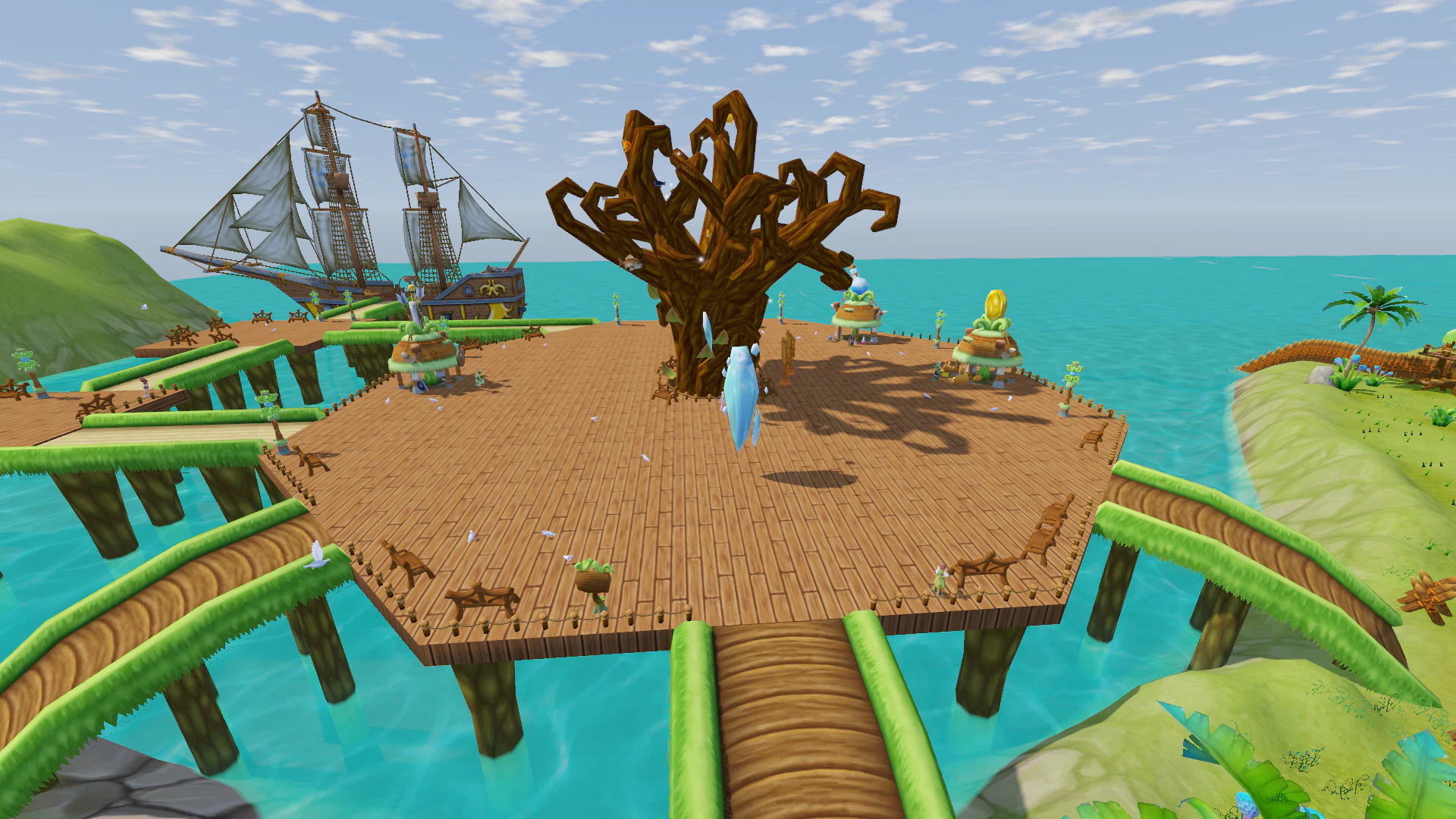
Update v0.8 brings a large set of fixes and improvements to combat, pets, personal shops, professions, the interface, and several core game systems.
Mounts
- Mounts now correctly travel across deep water instead of moving along the bottom.
- Character position, camera, and nameplate now remain above the water surface.
- Other players also see mounted characters correctly while they are moving across water.
Monsters
- Monster name color now depends on the level difference between the monster and your character:
- gray — 7 or more levels below you;
- green — 2–6 levels below you;
- white — your level or ±1 level;
- orange — 2–5 levels above you;
- red — 6 or more levels above you.
- Colors update automatically after your character levels up.
- The same color rules are now used in the target frame.
- Monsters now correctly roam around their areas again on locations where they previously remained stationary.
- Reduced the amount of time monsters remain idle while roaming.
Items and Quality
- Item name color now fully matches the quality color shown on the item icon.
- This has been corrected across all major interfaces:
- tooltips;
- shops;
- trade;
- loot;
- crafting;
- boxes;
- pets.
Announcements
- Enhancement, boss kill, and administrator announcements no longer overlap the selected target frame.
- Enhancement announcements are now shown only for purple, green, and gold-quality items.
- Enhancement announcements now begin at +10.
- An announcement is shown only when:
- the enhancement succeeds;
- the item is destroyed.
- Failed attempts with no change or a lost enhancement level no longer create global announcements.
- Boss kill and enhancement announcement settings are now correctly saved after leaving the game.
Controls and Hotkeys
- The Reset All to Default button no longer changes your character name to
Hero. - Improved key binding behavior:
- the settings list no longer scrolls back to the top after every change;
- key assignment only begins after clicking with the mouse;
- Space and Enter no longer accidentally start key assignment.
- The upper row of the skill bar now uses F1–F12, as in the original game.
- If an F-key is already assigned to another action, the existing binding remains unchanged.
- Location, FPS, and camera information can now be opened with Ctrl+2.
Combat and Visual Effects
- Removed unnecessary weapon-hit sounds and visual flashes from:
- spells;
- curses;
- burning;
- poison;
- other damage-over-time effects.
- This type of damage is now shown only as a damage number above the target and an entry in the combat log.
- Weapon hit effects remain only for actual melee attacks, ranged attacks, and Splinter.
- Fixed cases where a Return Scroll could incorrectly consider the character to still be in combat even though the enemy was no longer actively fighting.
Combat Log
- Combat log entries now show the name of the skill that dealt the damage.
- This works for:
- your skills;
- opponent skills in duels;
- monster skills.
- Reflected damage is now correctly labeled with the corresponding reflection effect.
- If reflected damage is fully absorbed by the target’s defense, the combat log correctly displays 0 damage.
Equipment Merchants
- Yazark, Paton, and Horil now sell equipment again.
- Suren in Alpia also has an expanded selection.
- Merchants now offer a full range of equipment for different classes and levels:
- weapons;
- shields;
- helmets;
- armor;
- gloves;
- pants;
- boots.
- Fixed shop window positioning on smaller screen resolutions.
Battle Mage
- Fixed the second Battle Mage Soul Guardian, Hell Destroyer.
- Every attack or skill against an enemy now reduces the healing they receive by 10% for 10 seconds.
- Fire and Dark damage bonuses remain unchanged.
High Reforging
- Significantly expanded the list of additional properties that can appear during high reforging.
- The additional property is now selected from the full list of attributes available for that item type.
- A property that already exists on the item can also appear again.
- The reforging window now shows the complete list of possible properties and their chances.
- For example:
- staffs now have 11 possible properties instead of 3;
- mage robes now have 8 instead of 2.
Health Regeneration
- Health now regenerates much more noticeably outside combat.
- Full health regeneration takes approximately 3 minutes.
- Regeneration bonuses from equipment are added separately.
- Adjusted the Simple Pleasures skill:
- health regeneration during combat has been reduced;
- the skill values now represent regeneration over 5 seconds.
- Health regeneration while sitting remains unchanged at 0.9% of maximum HP per second.
Professions and Classes
- Fixed title rewards for class progression milestones at levels 30, 50, and 70.
- Added the corresponding titles for:
- warriors;
- archers and crossbow users;
- mages.
- Players who have already passed these levels will automatically receive any missing titles.
- Class names now change together with class progression.
- The current class name is displayed:
- in the character stats;
- in the portrait tooltip;
- when inspecting another player.
Buffs and Skills
- Clear Mind and Roar of Spiritual Power can now be cast on a selected ally.
- If no target is selected, the skill is still cast on yourself.
- Skills marked with [Party] can now only be used while in a party.
- Skills can no longer be started while moving.
- If the character begins moving after a skill has already started casting, the skill is interrupted as before.
- Water Pillar now correctly applies Freeze instead of Stun.
- Ice Seal has been corrected in the same way.
- Iron Will now correctly removes Freeze.
- Support Mage shields no longer stack:
- a new shield replaces the previous one.
- Active guild skills are now displayed in the character’s buff list:
- icon;
- level;
- granted bonus.
Skill Evasion
- It is now possible to evade not only basic attacks, but also skills.
- This applies to both players and monsters.
- Monsters have a 5% chance to evade character skills.
- Character evasion chance depends on:
- Dexterity;
- evasion buffs;
- pets.
- When a skill is successfully evaded:
- it deals no damage;
- it does not apply poison;
- it does not stun;
- it does not slow;
- it does not apply other negative effects.
- Damage-over-time effects, traps, bombs, reflected damage, and healing continue to work as before.
- The combat log now shows which skill was evaded.
Personal Shops
Seller Behavior
- A character with an open personal shop now remains in place.
- If the shop pose is interrupted, the character automatically returns to the selling position.
- The shop stand now rotates correctly together with the character.
Restrictions While Trading
While your personal shop is open, you can still:
- use chat;
- browse other players’ shops.
Other actions become available again after closing your shop.
- You can no longer buy items from another player’s shop while your own shop is open.
- Attempting an unavailable action displays the message “Trading in progress…”.
Shop Log
- Every entry now includes a timestamp.
- The shop log now provides more detailed information:
- when the shop was opened;
- number and total value of listed items;
- buyer name;
- purchase quantity and price;
- remaining stock;
- sold-out items;
- total amount for larger purchases;
- final revenue when the shop closes;
- number of completed sales;
- items returned to the inventory.
- While trading, the log now occupies the right half of the shop window, making sales easier to follow.
Pets
- Fixed pet evolution:
- after a successful evolution, the pet now correctly changes into its evolved form.
- Pets can now continue gaining experience and leveling after evolution.
- Fixed pets that previously stopped gaining experience after evolving.
- A result window is now shown after synthesis or evolution:
- resulting pet;
- rank;
- rarity;
- level.
- If synthesis or evolution produces a pet of green rarity or higher, a global announcement is shown.
- The global announcement banner can be disabled in the settings.
- Fixed small pet bonuses:
- 1% bonuses are no longer displayed as
+0%; - they now correctly affect character stats.
- 1% bonuses are no longer displayed as
- Fixed large pet experience gains:
- experience is now correctly distributed across levels;
- once the pet reaches its maximum level, the experience bar stops at 100%.
- Pet switching can now be done with a single action:
- if one pet is already summoned, summoning another automatically replaces it.
- In the growth window, a currently summoned pet is shown in gray.
- The tooltip explains that the pet must first be dismissed before its level can be increased.
Thank you to everyone who continues testing the game and sending bug reports and suggestions. A large part of the changes in v0.8 was made directly based on your feedback.