
Update v0.12 — Raids, Party Finder & Chat Translation
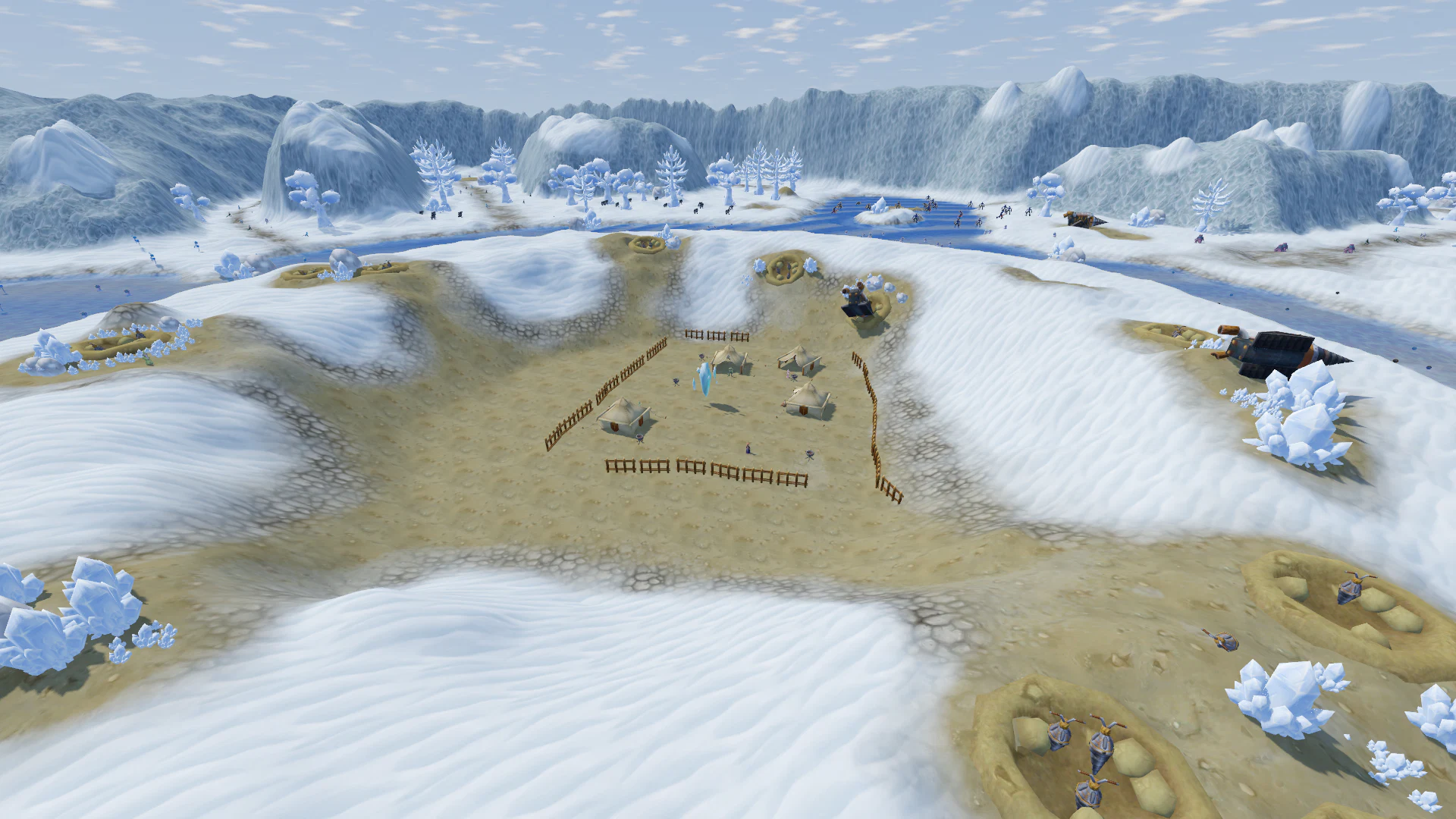
Update v0.12 is one of the biggest PvE updates so far.
Main highlights:
- dungeons have been completely expanded — Normal, Raid, and Raid+ modes are now available, with 30 difficulty levels and dungeon rating progression;
- added global dungeon party finder — you can now find players from anywhere in the game without spamming chat;
- added automatic chat translation (Beta) — write in the language you prefer and read messages in the language of your game interface;
- added a new Effects quality setting to improve FPS;
- identical items can now stack up to 999 per slot;
- improved movement, interface visibility, and combat effect rendering.
Major PvE Update — Dungeons
Dungeons can now be completed in three different modes. When entering a dungeon, you can choose between:
- Normal
- Raid
- Raid+
Each mode offers a different style of progression and difficulty.
Normal
The classic dungeon mode.
- The dungeon remains shared between players.
- Monsters continue to respawn.
- Bosses are summoned using Summoning Stones.
- Monsters and summoned bosses are now slightly weaker:
- 70% of their previous HP;
- 70% of their previous damage.
This mode is intended for regular and more relaxed dungeon runs.
Raid
A full Raid mode has been added.
- A separate dungeon instance is created exclusively for your party.
- Raids can also be entered solo.
- Monsters:
- are 1.5× stronger;
- do not respawn;
- chase players without a distance limit.
- Summoning Stones are no longer required.
- The boss appears automatically after all mini-bosses are defeated.
- Dead players cannot revive themselves.
- A fallen player must be revived by another party member.
- If the entire party dies, the Raid fails.
The party leader starts the Raid, and the remaining members join through the same dungeon window.
Raid+ — New Competitive PvE Mode
Raid+ is a more challenging version of Raid with a timer and difficulty progression.
A party of 4–6 players is required.
The objective is to:
- defeat the boss;
- kill the required percentage of monsters;
- finish before the timer expires.
30 Difficulty Levels
Raid+ includes 30 difficulty levels.
At Level 1:
- monster strength — ×2;
- required monster kills — 50%;
- time limit — 60 minutes.
With each higher level:
- monsters become stronger;
- a larger percentage of monsters must be defeated;
- the available time becomes shorter.
When a party successfully completes a level:
- the next level is unlocked for every participant;
- even if some members previously had a lower difficulty unlocked.
Progress is tracked separately for each dungeon.
Raid Interface
Before the Raid starts, the party receives 15 seconds of preparation time inside a safe area near the entrance. During this period:
- monsters do not attack;
- the timer has not started yet.
A dedicated Raid panel appears below the minimap showing:
- current difficulty;
- remaining time;
- normal monster progress;
- mini-boss status;
- main boss status.
Leaving a Raid
Pressing Leave Dungeon starts a vote.
- If the majority agrees, the Raid ends.
- When playing solo, leaving happens immediately.
Raid Results
After the Raid ends, a detailed results window is displayed. For each player, it shows:
- damage dealt;
- damage absorbed;
- damage blocked;
- healing;
- kills;
- deaths.
It also shows:
- completion time;
- percentage of monsters defeated.
Dungeon Rating
Successfully completing Raid+ grants Dungeon Rating. Points are calculated as follows:
- 20 points for each completed difficulty level;
- +1 point for every saved minute, up to +19.
Only your best result in each dungeon contributes to your total rating.
- If you improve your result, your rating increases by the difference.
- If you repeat the same result or fail the Raid, your rating does not change.
Your current rating and best result for the selected dungeon are displayed directly in the mode selection window. Rating gains are also shown in the Raid results.
Rewards
For now, loot and experience remain the same across all three modes. Separate rewards for higher difficulties will be added later.
Global Dungeon Party Finder
You can now build dungeon parties directly from the game. A new window has been added under Additional — Party Finder. It can be opened from any world.
Create a Group
A solo player or the leader of an existing party can create a listing. You can select:
- dungeon;
- mode:
- Normal;
- Raid;
- Raid+;
- Raid+ difficulty level;
- custom group name.
Find a Party
Select the dungeon you want and browse available listings. Each listing shows:
- group name;
- current number of players;
- classes already in the party;
- selected mode;
- difficulty.
You can send an application and add a short message about yourself.
Application Management
The party leader can see:
- player name;
- level;
- class;
- Dungeon Rating;
- application message.
Applications can be accepted or declined. Accepted players immediately join the party.
Notifications
You can close the Party Finder window and continue playing. While your listing is active, a dedicated icon appears below the minimap. It shows the number of pending applications.
When a new application arrives:
- a notification appears;
- a sound is played.
The listing is automatically removed when:
- the party is full;
- the party enters a Raid;
- the leader logs out.
Players with pending applications receive a message explaining why the listing was closed.
Chat Translation — Beta
Update v0.12 introduces a new experimental feature: automatic chat translation.
Players can now write in their preferred language and read messages in the language of their game interface. Fantasium: Wonderlands supports multiple languages, and this feature significantly reduces the language barrier between players.
How It Works
Messages appear immediately in their original form. If a message is written in another language, it is automatically replaced shortly afterward with a translation into your interface language.
Translation works in:
- Nearby;
- Shout;
- Global;
- Whisper;
- Guild;
- Army Chat.
Chat bubbles above characters are translated as well.
Messages are not translated if:
- they are already written in your language;
- they were sent by you.
Links Still Work
Automatic translation preserves links to:
- items;
- skills;
- monsters;
- locations.
They remain fully interactive just like in the original message.
View the Original
Translated messages include an (Original) label. Click it to display the original message. Click again to return to the translation.
If translation fails, the message remains in its original form.
Translation Can Be Disabled
The setting is available under Settings → Interface → Translate chat to game language.
When disabled, all messages are shown exactly as they were written.
Important
This feature is currently in Beta. Automatic translation may occasionally misunderstand:
- gaming slang;
- abbreviations;
- jokes;
- unusual game terminology.
The original message can always be viewed with one click.
Effects Quality Setting
A new Effects option has been added under Settings → Display → Quality.
It can significantly reduce system load in areas with many players and visual effects, such as:
- cities;
- world bosses;
- Army Battle;
- large PvE fights.
Changes apply immediately. Four levels are available.
All
- Displays all effects.
- Works exactly as before.
- Enabled by default.
Reduced
- Enhancement glow and certain decorative effects from other players are hidden.
- Particle count is reduced by approximately half.
- Smoke, fire, and map lighting effects are shown only nearby.
Important Only
Only effects that are important for actual gameplay remain visible:
- your skills;
- your attacks;
- monster skills;
- effects on your character;
- effects on monsters;
- traps;
- loot;
- other players' abilities when they target you.
The following are hidden:
- decorative map effects;
- enhancement glow;
- most effects from other players fighting each other or monsters.
Disabled
Only essential gameplay markers remain:
- Army Battle capture point markers;
- character movement destination marker.
Lower settings reduce both CPU and GPU load.
Improved Text and Interface Visibility
Names and important gameplay information are now always rendered above water and visual effects.
This includes:
- player names;
- monster names;
- NPC names;
- titles;
- guild names and flags;
- army and rank indicators;
- personal shop names;
- NPC labels;
- loot names.
Combat text is also no longer hidden by skill effects:
- damage numbers;
- healing;
- MISS;
- DODGE;
- CRITICAL.
Names still remain hidden correctly behind walls and buildings.
Item Stacking
A major inventory, storage, and Guild Bank improvement.
Identical items can now stack up to 999 per slot. This applies to:
- boosters;
- packages;
- Living Stones;
- pet eggs;
- incubators;
- Summoning Stones;
- other non-equippable items.
New items are automatically added to an existing stack.
Old single-item stacks can be combined by:
- pressing Sort;
- dragging one identical stack onto another.
Stacking also works in:
- storage;
- Guild Bank;
- shop purchases.
Equipment and mounts still occupy separate slots.
Combat Inside Cities
Monsters can no longer be attacked while your character is standing inside a protected city area.
The following actions are blocked:
- basic attacks;
- ranged attacks;
- offensive skills;
- AoE attacks.
Attempting to attack displays: “Combat is not allowed inside the city.”
If an attack is launched outside the city but the character enters the city before it lands, the attack will no longer damage the target.
The following still work inside cities:
- healing;
- buffs;
- party buffs;
- resurrection.
Ranked Arena is not affected by this change.
If you select a distant monster:
- the character can still automatically run toward it;
- the attack starts only after leaving the protected city area.
Skill Range Display
You can now display the range of your skills. Hold Ctrl to show a ground outline.
- For AoE skills, it displays the affected area.
- For targeted skills, it shows the maximum casting distance.
If the cursor is hovering over a skill on the skill bar, that skill's range is displayed. Otherwise, the range of the most recently used skill is shown.
Movement Through Bushes and Foliage
Bushes, leaves, and decorative vegetation no longer block character movement. A large number of objects across multiple worlds have been updated.
Fantangle
You can now freely walk through:
- large jungle leaves;
- vines;
- hanging branches.
Tree trunks, rocks, and buildings remain solid.
Aquaton
- Leaves of bushes with blue buds can now be walked through.
- Their stems remain solid.
Alpia
- Tall weeds near the gardens no longer block movement.
The same rule now applies across the world — the following no longer stop the character:
- tree crowns;
- ferns;
- dry grass;
- decorative leaves.
Also:
- the camera no longer collides with foliage in jungle areas;
- auto-run can move directly through bushes;
- click-to-move does the same;
- chasing monsters can also move through vegetation.
Fences, walls, nets, gates, and other real obstacles still block movement.
Thank you to everyone who continues testing the game, submitting bug reports, and suggesting new ideas.
v0.12 is a major step forward for PvE content: Raids, Raid+, Dungeon Rating, and the global Party Finder create the foundation for more challenging group content, while automatic chat translation makes it easier for players from different language communities to play together.