
Update 0.10 — Fixes and Improvements
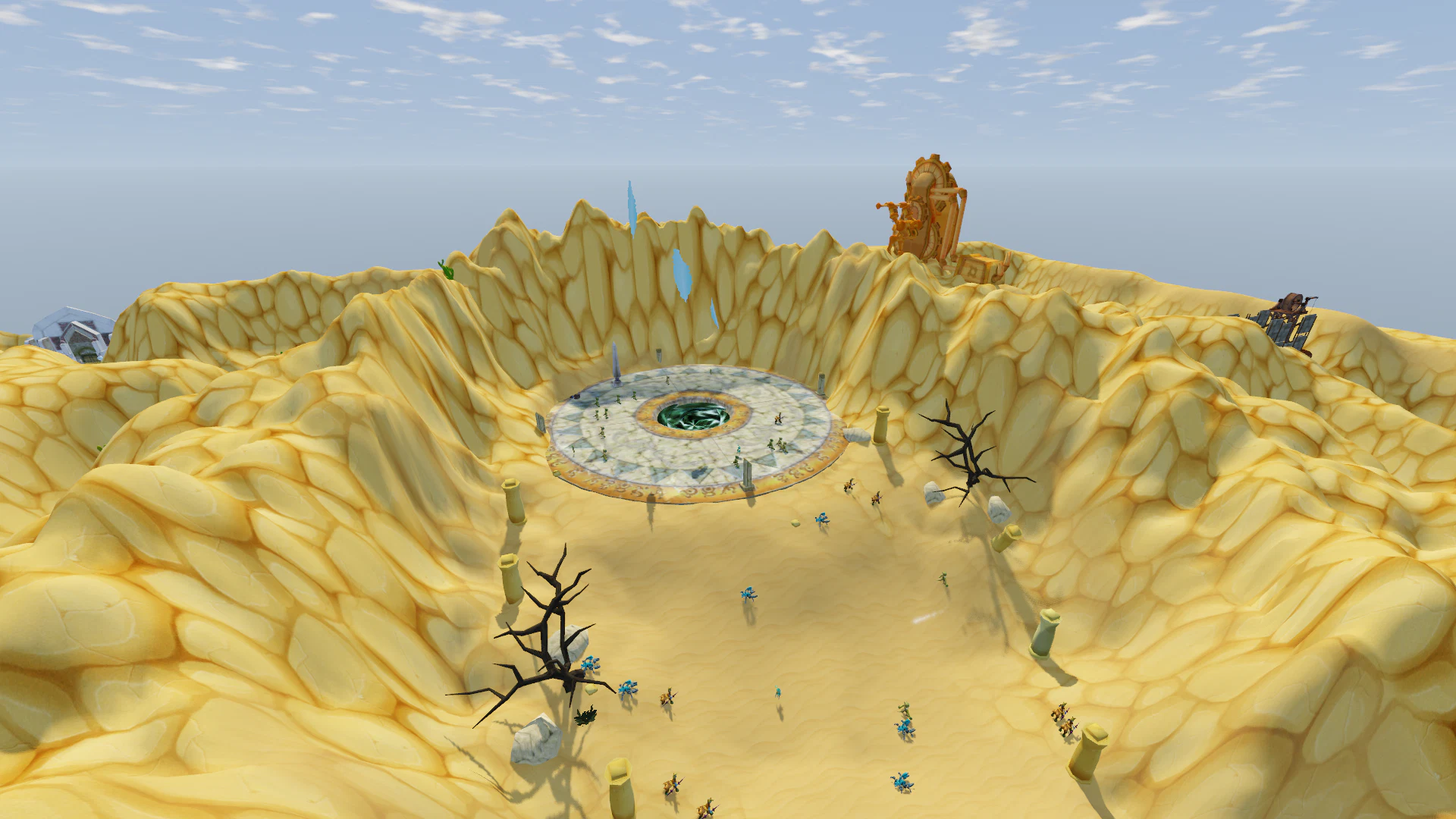
Update v0.10 brings a major improvement to the map and auto-run system, fixes status effect visuals, and significantly expands the combat log.
All Maps in One Window
A new All Maps button has been added to the map window (M). You can now view every world in the game from one place.
Each map card displays:
- world name;
- map preview;
- monster level range;
- number of monster types;
- starting location marker;
- marker for the world you are currently in.
Click a card to open the selected world map. The Current Map button returns you to the map of your current location.
Quest Information
World cards now immediately show quest activity:
- yellow “!” — number of quests currently available to accept;
- red icon — number of quests ready to turn in;
- blue circle — number of active quests that are not yet completed.
Hover over a card to see the same information in detail.
Controls
- Auto-run no longer has a default hotkey.
- Caps Lock is now completely free.
- If you use auto-run, you can assign a key under Settings → Controls.
Auto-Run Between Worlds
Auto-run is no longer limited to a single location. If your destination is in another world, your character will:
- run to the correct exit;
- move into the next location;
- continue running automatically;
- cross multiple worlds if necessary.
Traveling to Another World from the Map
Using All Maps, you can:
- select a world;
- click any destination point;
- start auto-run directly to that location.
Your character automatically builds a route through world exits. The selected destination is marked with a ring on the map.
Auto-Run to Quest Objectives
Auto-run now also works with quest objectives in other worlds.
- If an NPC is located in another area, your character will automatically travel directly to them.
- If the required monsters are located in another world, your character will travel to the nearest suitable location and, after entering it, continue toward the hunting area.
Route Selection
- Auto-run chooses the shortest available route.
- If several routes are nearly equal, it prefers the one with fewer world transitions.
Obstacles and Interruptions
- Stuns no longer cancel auto-run.
- Open windows no longer stop movement.
- If the character gets blocked by an obstacle, auto-run attempts to find another path.
Auto-run can still be stopped by:
- pressing a movement key;
- clicking on the ground;
- starting an attack.
Locations that cannot be reached through normal exits remain unavailable through auto-run — for example Astarica, Fantangle, Wind Canyon, the battlefield and arenas. For these locations, the game immediately tells you that they cannot be reached through regular world exits.
Status Effect Fixes
Status Effects No Longer Remain on Characters
Fixed an issue where some visual effects could remain visible even after the actual status had already ended. This could happen when:
- a Magic Shield was fully broken;
- Parry was triggered and consumed;
- Not Fall or Reanimate triggered;
- a sleeping character was awakened by an attack;
- a character left invisibility.
Visual effects now disappear immediately when the corresponding status ends. This is displayed correctly both on your own character and for nearby players.
Monster Effect Timers
- Effect timers below the selected monster’s health bar now update correctly.
- Remaining duration now counts down in real time instead of staying frozen at the value shown when the effect was applied.
Combat Log
The combat log has received a major update.
Detailed Breakdown of Every Hit
Every damage event in the Combat tab now has a [?] icon. Hover over it to see a detailed breakdown of how that specific hit was calculated.
Hit Check — the rolled value, attacker miss chance, target evasion chance, and how much Luck reduced the chance to miss.
Hit Outcome — whether the hit became critical, whether a shield absorbed it, and the relevant chances for each outcome.
Damage — the possible damage range and the actual rolled value.
Buffs and Skills — the specific skills and effects that affected attack, defense and final damage. Bonuses from guild, friendship, equipment and pets are grouped into a separate line.
Skill Modifiers:
- skill damage percentage;
- chance-based damage bonuses;
- effects such as “next skill deals more damage”;
- bonuses against bleeding targets;
- increased damage from higher-level monsters.
Defense — critical hit effect, how much damage was reduced by defense, how much was absorbed by a shield, parry, and other absorption effects.
Final Result — the exact amount of damage that actually reached the target.
Detailed breakdowns are available for basic attacks, ranged attacks, player skills, monster skills and poison damage. They work against monsters, in duels and in the Ranked Arena.
Duels and Arena in the Combat Log
The Combat tab now separately records:
- duel start and end;
- Arena match start and end.
Combat Summary
After a fight ends, the combat log shows:
- who won and why;
- total damage dealt and received;
- number of attacks, critical hits, misses and evasions;
- fight duration.
For Ranked Arena matches, it also displays kills, deaths, current rating and the rating change after the match.
Thank you to everyone who continues testing the game and sending bug reports and suggestions. The changes in v0.10 make traveling through the world much more convenient and make the combat system far more transparent and understandable.